
Click or drag to upload image
Use a clear room photo. Corner angles usually produce better setup planning results.
Your generated images will appear here
AI Gaming Room Design
Upload your room photo and generate competitive, creator-ready, and ergonomic gaming setup concepts tailored to your space.
What is AI Gaming Room Design?


Task-Driven Room Planning
Plan for actual play modes such as ranked FPS, console social gaming, streaming, VR movement zones, or dual-player setups.

Performance + Wellbeing Balance
Outputs are designed to look immersive while staying practical for longer sessions through ergonomics, visual comfort, and cleaner room flow.
How to Use AI Gaming Room Design
Generate your next gaming setup in four steps.
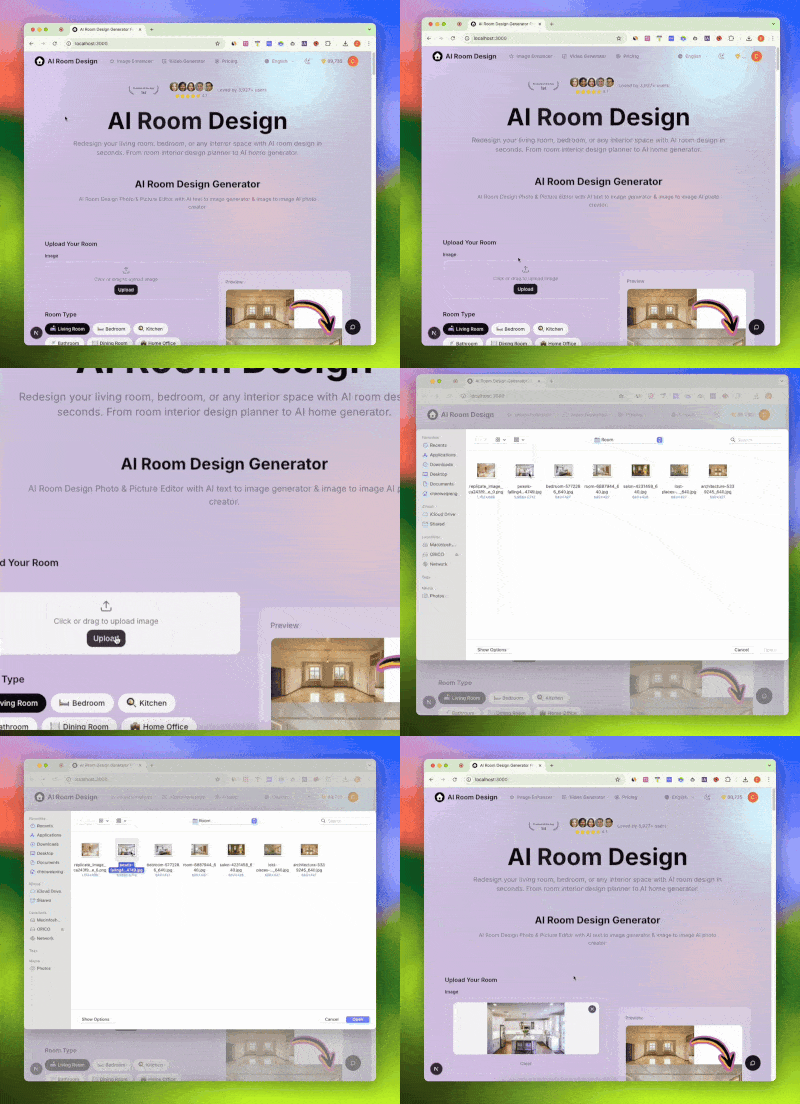
Upload Your Current Room
Use a clear photo of your desk area, bedroom corner, or full gaming room. Corner angles usually produce the best spatial planning results.
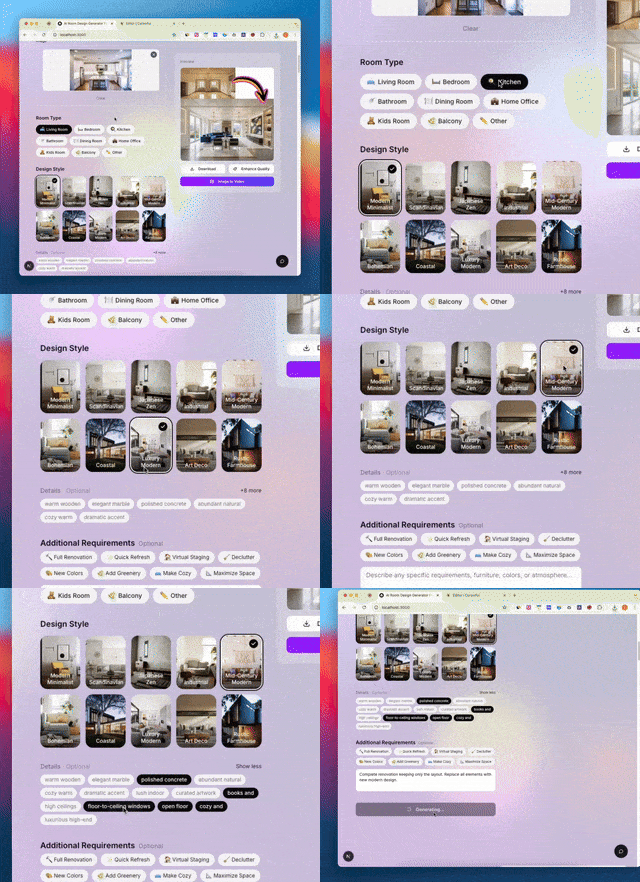
Choose a Gaming Scenario
Select a use case like competitive FPS, streaming hub, console lounge, compact room upgrade, VR zone, or work-play hybrid.
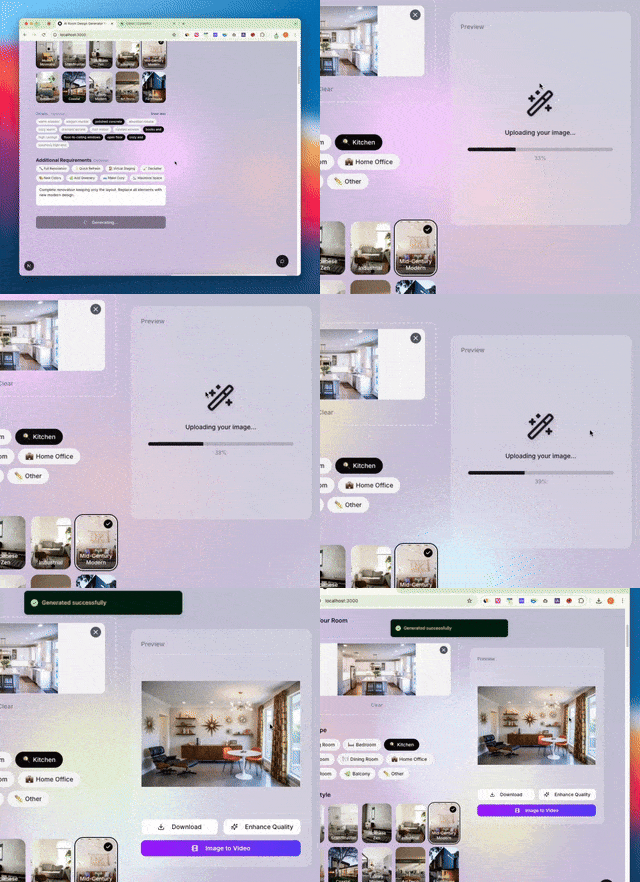
Pick Style + Performance Details
Apply your aesthetic direction, then add details for ergonomic alignment, monitor comfort, cable management, thermal airflow, and acoustic control.
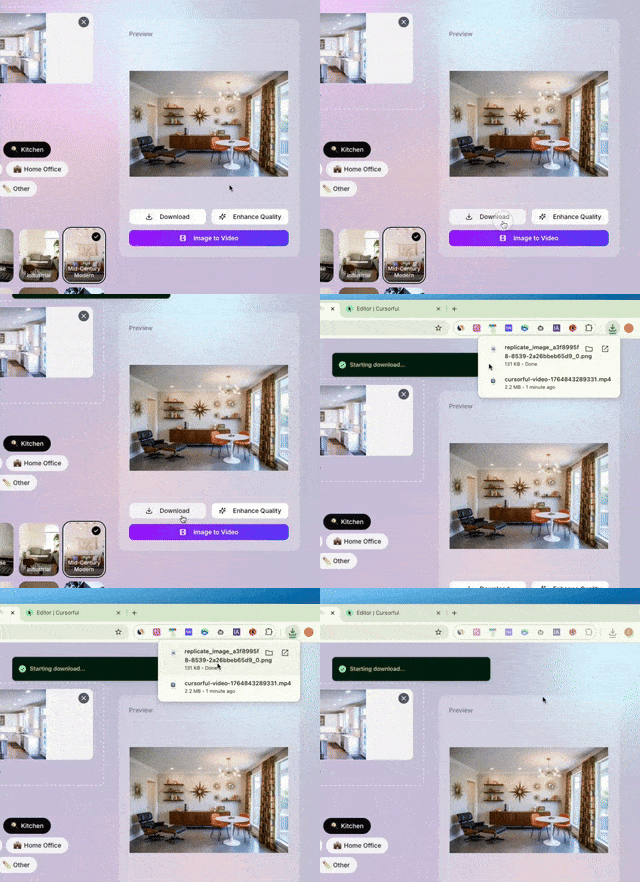
Generate, Compare, Refine
Create multiple variants quickly, compare them side by side, and choose the concept that best matches your play style, content goals, and room constraints.
Why Use AI Gaming Room Design Tools
Modern gaming spaces are no longer just about aesthetics. They are performance zones, social zones, and creator backdrops at the same time.

Faster Setup Decisions
Test multiple directions before buying gear, moving furniture, or drilling mounts. Reduce expensive trial-and-error cycles.

Stronger Identity + Shareability
Design a space that reflects your gamer identity and still looks clean on camera for streams, clips, thumbnails, and social sharing.

Sustainable Long Sessions
Integrate posture, visual comfort, and room flow early so your setup supports both performance and daily wellbeing.
Complete Suite for AI Gaming Room Design
A vertical toolkit for players, streamers, and hybrid creator-gamers.
Scenario-Based Presets
From ranked FPS stations to VR zones and dual-player rooms, every preset maps to a real usage pattern.
Streamer-Ready Composition
Plan camera framing, lighting hierarchy, and clean backgrounds for creator workflows.
Ergonomic Detail Controls
Add setup constraints for posture alignment, monitor comfort, and desk-zone usability.
Cable + Thermal Discipline
Generate cleaner cable routes, charging docks, and airflow-friendly desk layouts.
Compact Room Optimization
Design high-impact setups for limited spaces without blocking movement or storage.
Rapid Variant Testing
Create and compare multiple setup concepts in minutes before committing budget.
By the Numbers
Public 2025-2026 industry benchmarks that influence how gaming rooms are designed and used.
205M
U.S. Players
ESA 2025 player base context
$188.8B
Global Games Market
Newzoo 2025 market estimate
66.71%
Windows 11 on Steam
Steam survey, Jan 2026
20-40 in
Monitor Distance Range
OSHA comfort guidance range
Users on AI Gaming Room Design
Real feedback from users applying these AI design concepts in real projects.
Noah L.
Competitive FPS Player
I finally moved from a random desk setup to a focused battle station that actually feels better after long ranked sessions.
Ava C.
Part-Time Streamer
The camera-friendly layout suggestions helped me clean up my background and improve stream quality without buying everything again.
Ethan R.
Console + Social Gamer
I used the console lounge mode and got a layout that works both for couch co-op nights and solo sessions.
Mia T.
Creator-Gamer Hybrid
The hybrid work-play ideas made my small room actually functional in daytime work hours and nighttime gaming.
AI Gaming Room Design FAQ
Common questions about gaming room planning, ergonomics, and setup strategy.
Is AI Gaming Room Design only for hardcore PC gamers?
No. It supports PC battle stations, console lounges, hybrid rooms, streaming setups, dual-player layouts, and compact spaces.
Can AI Gaming Room Design handle performance and style?
Yes. You can combine aesthetic direction with practical setup constraints such as cable routing, monitor comfort, and room flow.
Does AI Gaming Room Design work for small spaces?
Yes. Use compact presets and detail options to prioritize movement paths, storage, and functional zoning in limited square footage.
Can AI Gaming Room Design help with streaming setups?
Yes. Dedicated scenarios include framing-friendly backgrounds, lighting hierarchy, and creator workflow cues for clean on-camera output.
Are AI Gaming Room Design metrics platform specific?
No. They are external public benchmarks (industry and ergonomics context) used to guide setup decisions.
Will AI Gaming Room Design change my room structure?
The configuration is designed to preserve your room architecture and perspective while redesigning setup composition and visual direction.
Can AI Gaming Room Design generate multiple options?
Yes. That is one of the core benefits: compare variants first, then commit budget with higher confidence.
Is AI Gaming Room Design useful for work-play hybrid?
Yes. The work-play hybrid scenario helps you plan transitions between productivity and gaming without rebuilding the room each time.
Do I need design knowledge for AI Gaming Room Design?
No. The workflow is built for non-designers: upload a photo, pick a scenario, select style and details, then compare results.
Can AI Gaming Room Design inspire real build lists?
Yes. Results are intended as planning references for furniture, lighting, cable accessories, and layout changes before physical implementation.
Design Your Next AI Gaming Room Design
Upload your current space, test focused setup concepts, and build a room that performs, looks great, and feels sustainable.